Free Microsoft CRM Options for Small Businesses: What You Need to Know
In the bustling world of small business, managing customer relationships is paramount. Customer Relationship Management (CRM) systems are the backbone of modern sales, marketing, and customer service. Many small businesses, especially those already invested in Microsoft’s ecosystem, often search for a CRM solution that aligns with their existing tools.
💡 Key Takeaways
- Understanding that truly ‘free’ Microsoft CRM is often a starter or limited version, requiring strategic integration.
- Leveraging related free Microsoft tools like Outlook, Excel, or Teams for basic CRM functions before investing in paid solutions.
- Exploring Microsoft Dynamics 365 Sales Professional for its scaled pricing and essential features for growing small businesses.
- Considering third-party integrations and add-ons that can extend Microsoft’s ecosystem for more robust CRM capabilities.
“While truly free Microsoft CRM is largely a starting point or a misconception, small businesses can strategically leverage free tiers of related Microsoft services or explore cost-effective Dynamics 365 plans to build robust customer relationships efficiently.”
— Michael Adams, CRM & Automation Implementation Lead
A common question that arises is: are there any truly free microsoft crm options available for small businesses? The answer, while nuanced, is crucial for setting realistic expectations and exploring viable alternatives. While Microsoft doesn’t offer a completely free, standalone CRM product like some competitors, this guide will dissect what “free” means in the context of Microsoft, how you can leverage existing Microsoft tools for CRM-like functions, and explore free third-party CRMs that integrate seamlessly with your Microsoft environment.
In This Article
- → Free Microsoft CRM Options for Small Businesses: What You Need to Know
- — 💡 Key Takeaways
- → 🤔 The Reality of “Free Microsoft CRM” for Small Businesses
- → Understanding Microsoft Dynamics 365: A Powerful, Paid Solution
- — ⚙️ How Dynamics 365 is Licensed for Small Businesses
- → Leveraging Existing Microsoft Tools for CRM-like Functions
- — 📧 Microsoft Outlook for Contact Management
- — 📊 Microsoft Excel for Basic Customer Data Tracking
- — 🤝 Microsoft Teams for Collaborative Customer Interaction
- → Integrating Free Third-Party CRMs with Your Microsoft Ecosystem
- — Popular Free CRM Options with Microsoft Integrations:
- → Considering Hybrid Approaches and When to Invest in Dynamics 365
- — When to Consider a Paid Microsoft Dynamics 365 Plan:
- → 💡 Key Considerations for Choosing ANY CRM (Free or Paid)
- → Conclusion: Making the Right CRM Choice for Your Small Business
🤔 The Reality of “Free Microsoft CRM” for Small Businesses
When businesses look for a “free Microsoft CRM,” they are typically thinking of a product directly branded and supported by Microsoft that costs nothing. It’s important to clarify this upfront:
- ✅ No Fully Free, Standalone Microsoft CRM Product: Unlike some providers who offer a perpetually free tier (e.g., HubSpot CRM’s free version), Microsoft does not offer a core CRM application, like Microsoft Dynamics 365, for free. Its offerings are premium, cloud-based solutions designed for businesses of all sizes, with various paid licensing models.
- ➡️ Misconception Origin: The idea often stems from the extensive free tiers of other Microsoft services (like basic Outlook.com or OneDrive storage) or the search for budget-friendly ways to manage customer data within the Microsoft environment.
- 💡 Focus on Value and Integration: Instead, the conversation shifts to how small businesses can achieve CRM functionality using tools they may already own (Microsoft 365 apps) or by integrating free third-party CRMs that play well with Microsoft.
Understanding Microsoft Dynamics 365: A Powerful, Paid Solution
Microsoft Dynamics 365 is Microsoft’s comprehensive suite of business applications, including modules for Sales, Customer Service, Marketing, Field Service, and Finance. It is a robust, scalable platform designed to meet diverse business needs, from small startups to large enterprises. While incredibly powerful, it operates on a subscription-based model.
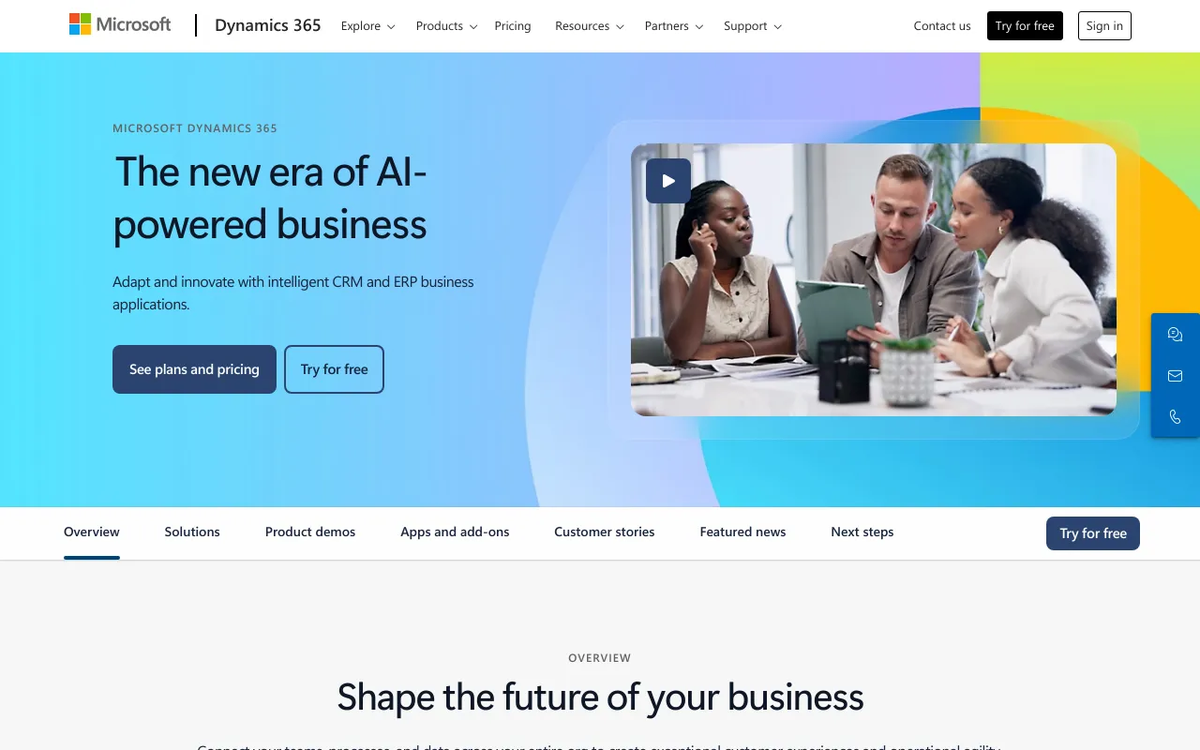
Microsoft Dynamics 365
Transform your entire business with Microsoft Dynamics 365, the integrated suite that unifies CRM and ERP capabilities. Break down silos, gain real-time insights across sales, service, finance, and operations, and empower your teams to deliver exceptional customer experiences. Drive efficiency, foster innovation, and scale with confidence using a platform designed for the modern, agile enterprise. It’s more than software; it’s your foundation for sustained growth.

⚙️ How Dynamics 365 is Licensed for Small Businesses
For small and medium businesses (SMBs), Microsoft offers specific Dynamics 365 plans tailored to their needs, often focusing on core sales and customer service functionalities. However, these are always paid subscriptions. For current pricing details and specific plan features, it’s best to consult the official Microsoft Dynamics 365 pricing overview.
- 💲 Per-User, Per-Month Pricing: Licenses are typically priced per user per month, with different tiers offering varying levels of features and capabilities.
- 📈 Scalability: One of its key benefits is its ability to scale with your business, allowing you to add more users and modules as your needs grow.
- 🔗 Deep Integration: Dynamics 365 offers unparalleled integration with other Microsoft products like Office 365, Power BI, and Azure, creating a cohesive business ecosystem. For more on this, check out our article on Microsoft Office CRM Integration: Boost Productivity.
Leveraging Existing Microsoft Tools for CRM-like Functions
Even without a dedicated Dynamics 365 license, small businesses can harness familiar Microsoft applications to manage customer data and interactions, providing a “free” (in terms of additional cost) alternative for basic CRM needs.
📧 Microsoft Outlook for Contact Management
Your Outlook inbox is often the primary hub for customer communication. It can be a surprisingly effective, albeit manual, mini-CRM:
- ✅ Contact Management: Store contact details, email addresses, phone numbers, and even custom notes for each contact.
- ➡️ Communication History: All email exchanges are automatically tracked within the contact’s record (if organized).
- 📅 Calendar Integration: Schedule follow-ups, meetings, and tasks directly linked to contacts.
- 📝 Tasks and Notes: Use Outlook tasks and notes to remind yourself of next steps for specific clients.
📊 Microsoft Excel for Basic Customer Data Tracking
For many startups and micro-businesses, Excel spreadsheets serve as the very first “CRM.”
Free Microsoft CRM Options for Small Businesses: Pros and Cons
Pros
- ✔Cost-effective entry point for basic CRM needs.
- ✔Potential for familiarity and integration with existing Microsoft tools.
- ✔Provides essential contact and basic sales tracking.
- ✔Offers a pathway to more robust, paid Microsoft solutions as the business grows.
Cons
- ✖Severely limited features compared to paid CRM solutions.
- ✖Often comes with restricted data storage and user limits.
- ✖Limited or no dedicated technical support.
- ✖May necessitate costly upgrades as business requirements expand.
- ✅ Customer Database: Create columns for customer name, contact info, lead source, last interaction date, next follow-up, deal stage, etc.
- ➡️ Simple Reporting: Use filters and basic formulas to track sales pipelines or customer segments.
- ⚠️ Limitations: Lacks automation, collaboration features, and a unified view of customer interactions across different channels. It’s prone to manual errors and becomes cumbersome quickly as data grows.
🤝 Microsoft Teams for Collaborative Customer Interaction
Teams can facilitate internal communication about clients, even if it’s not a direct CRM.
- ✅ Dedicated Client Channels: Create channels for key clients or projects where team members can discuss updates, share files, and coordinate.
- ➡️ Integrated Apps: Teams integrates with various apps, including some CRM connectors, allowing for a more unified workspace.
Integrating Free Third-Party CRMs with Your Microsoft Ecosystem
This is where small businesses can genuinely find “free CRM” options that work well within a Microsoft-centric environment. Many popular free CRM solutions offer integrations with Microsoft products.
Popular Free CRM Options with Microsoft Integrations:
- ⭐ HubSpot Free CRM: Widely regarded for its robust free tier, HubSpot offers excellent integration with Outlook and Office 365. You can sync contacts, log emails directly from Outlook, and use add-ins to see CRM data within your inbox. It’s a fantastic starting point for sales and marketing automation. Learn more in our article on HubSpot Free CRM: Features, Review, and Best Practices.
- ⭐ Zoho CRM (Free Edition): Offers a free version for up to 3 users with basic CRM functionalities. It also provides integrations with Outlook, Microsoft Exchange, and Office 365, allowing for email synchronization and contact management.
- ⭐ Salesforce Essentials (Paid, but good example of integration): While not free, Salesforce is mentioned here because of its strong integration capabilities with Microsoft products, including Outlook and SharePoint, for larger SMBs considering future growth.
These tools allow you to manage leads, contacts, deals, and activities from a dedicated CRM platform, while still leveraging your familiar Microsoft applications for communication and productivity. For more options, consider reviewing general lists of best free CRM software.
Considering Hybrid Approaches and When to Invest in Dynamics 365
For many small businesses, a hybrid approach might be the most practical. Start with free tools or basic Microsoft functionalities, and then gradually transition as your needs evolve.

When to Consider a Paid Microsoft Dynamics 365 Plan:
- 📈 Scaling Operations: When your sales team grows, or your customer base expands beyond what spreadsheets and basic Outlook can handle.
- 📊 Advanced Analytics & Reporting: When you need deep insights into your sales pipeline, marketing campaign performance, and customer behavior.
- ⚙️ Process Automation: When manual tasks become bottlenecks, and you need workflows to automate lead nurturing, sales follow-ups, or customer service queries.
- 🧩 Unified Platform: When you require a single source of truth for all customer data, integrated with finance, operations, and other business functions. Microsoft explicitly highlights its solutions for small to medium businesses looking for comprehensive tools.
💡 Key Considerations for Choosing ANY CRM (Free or Paid)
Regardless of whether you aim for a free solution or consider investing, these factors are critical:
- ✅ Business Needs: What specific problems are you trying to solve? Lead tracking, sales pipeline management, customer service, marketing automation?
- ➡️ Scalability: Will the CRM grow with your business? Can you easily upgrade or add features?
- 🔗 Integrations: How well does it integrate with your existing tools, especially Microsoft 365 (Outlook, Excel, Teams)?
- 🧑💻 Ease of Use: Is it intuitive for your team? Adoption is key to CRM success.
- 🔒 Security & Compliance: Is your customer data safe and handled according to regulations?
- 📚 Support & Resources: What kind of customer support, documentation, and community resources are available?
💲 Budget: Not just the upfront cost, but also implementation, training, and potential add-ons.

Recommended Video
Conclusion: Making the Right CRM Choice for Your Small Business
While a truly “free Microsoft CRM” doesn’t exist as a standalone product, small businesses have excellent options. You can:
- Leverage your existing Microsoft 365 tools (Outlook, Excel, Teams) for basic, manual CRM functions if your needs are minimal.
- Adopt a free tier of a third-party CRM (like HubSpot or Zoho CRM) that offers strong integrations with your Microsoft environment, providing more dedicated CRM features without immediate cost.
- Plan for strategic investment in a powerful solution like Microsoft Dynamics 365 when your business scales and demands advanced capabilities, recognizing its long-term value and deep integration benefits within the Microsoft ecosystem.
The best approach depends entirely on your current needs, growth trajectory, and budget. By understanding these options, small businesses can make informed decisions to optimize their customer relationships and drive growth. For a comprehensive overview of CRM capabilities, explore our CRM & Marketing Automation: The Ultimate Guide.
Is Microsoft Dynamics 365 entirely free for small businesses?
Microsoft Dynamics 365 is not entirely free; it offers various paid plans. However, small businesses can often utilize free trials or leverage basic CRM functionalities through other free Microsoft tools like Outlook or Excel before investing in a dedicated solution.
What free Microsoft tools can substitute for a dedicated CRM for small businesses?
For basic customer management, small businesses can use Microsoft Excel for contact lists, Outlook for communication tracking, and Microsoft Teams for internal collaboration and customer interactions. These can act as a rudimentary CRM.
How do I choose the best CRM option for my small business?
Consider your current business size, growth plans, specific CRM needs (e.g., sales, marketing, service), budget, and how well a system integrates with your existing Microsoft ecosystem. Start with free trials or scaled-down versions to test suitability.
Are there any hidden costs associated with ‘free’ CRM trials or limited versions?
Often, ‘free’ versions or trials are limited in features, user count, or data storage. The main ‘hidden cost’ is usually the eventual need to upgrade to a paid plan as your business grows and requires more advanced capabilities or higher usage limits.
Microsoft Dynamics 365
Ready to take the next step? See how Microsoft Dynamics 365 can help you achieve your goals.